Restaurant Cash-Up Sheet Template
Cash up without mistakes, spot discrepancies and keep a record for every shift. Free to download.
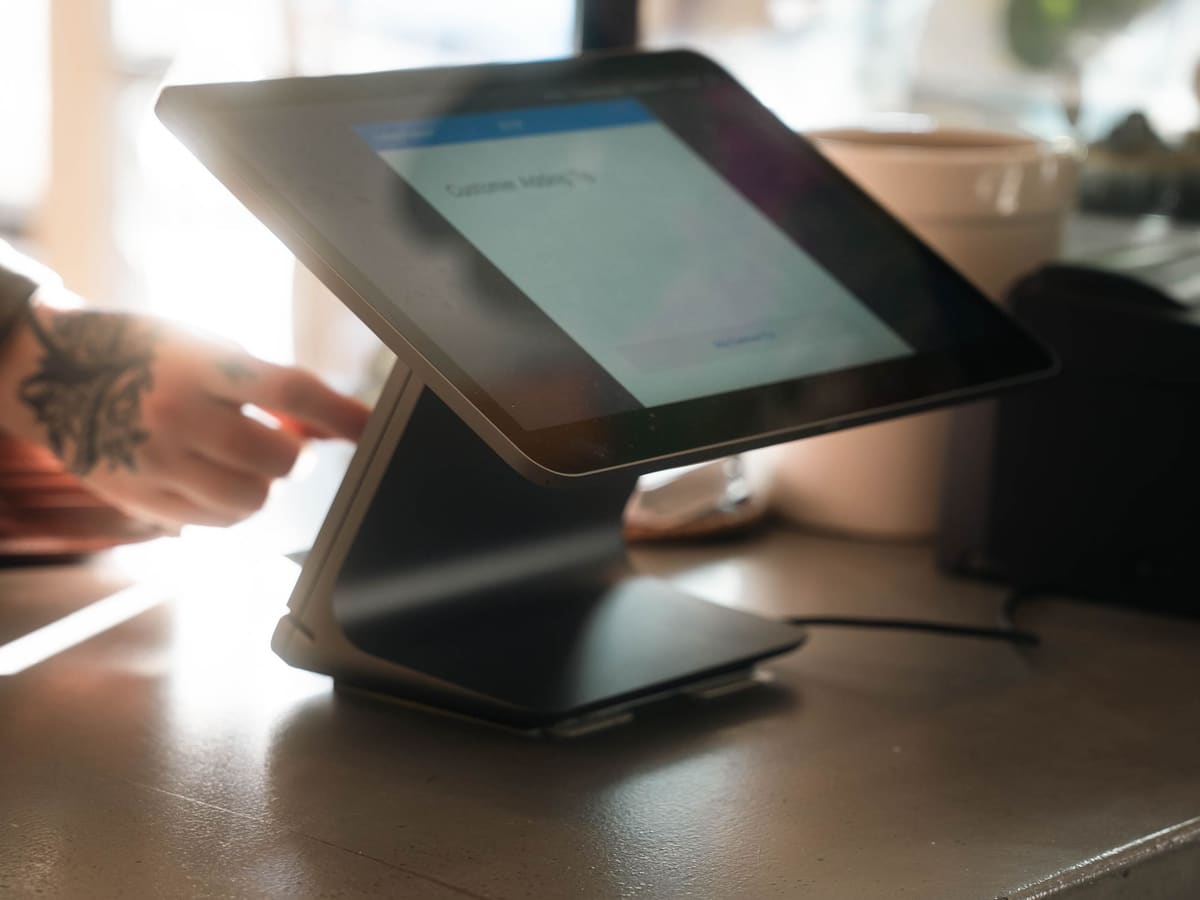
Without a clear cash-up, the till keeps coming up short, closing takes too long and nobody knows where the money went.
This template helps you solve it simply, without any software.
What's in this template?
- Opening and closing record for each shift
- Cash, card, tips and expenses tracked separately
- Till discrepancies calculated automatically
- Space for issues and the manager’s signature
The file
cash-up-sheet.xlsx
- Format
- Excel (.xlsx)
- Sheets
- Cash-up · Cash count · Incidents
- Opens with
- Excel, Google Sheets or LibreOffice
- Price
- Free
It works for your type of venue
- Restaurant with several shifts
- Bar or café with high ticket volume
- Hotel with a till at reception or in F&B
- Takeaway / delivery with mixed payments
Download your template
Leave us your name and email and the download starts straight away.
Related resources
To go deeper into the ideas behind this template.
Frequently asked questions
What is a cash-up template for in hospitality?
It records how much money should be in the till at the end of the shift and compares it with what is actually there. In restaurants it helps you control cash, card terminal payments, tips, cash taken out of the till and small incidents. A good cash-up reduces discrepancies, makes each shift accountable and saves time going through receipts at closing.
What should a restaurant cash-up include?
At the very least: date, shift, person in charge, opening float, cash sales, card sales, refunds, expenses or cash taken out, tips, cash actually counted, final difference and any issues. The template also adds space for notes and a signature, so every close is documented.
How is a till discrepancy calculated?
You compare expected cash with the cash actually counted. Expected cash is usually: opening float + cash sales - refunds - expenses/cash taken out. If the money counted does not match that figure, the difference is recorded as over or short. The template does this calculation for you to speed up closing.
Does this template work for cafés, bars or hotels too?
Yes. Although it is designed for restaurants, it works just as well in cafés, bars, hotels and any business that cashes up by shift. The key is that it separates payment methods and records who was responsible, which is useful in any hospitality operation that closes daily.
How often should I cash up?
Ideally at every shift change and always at the end of the day. In busy venues or those with several tills, you may even do it more than once per service. The more consistent the record, the sooner you will catch payment errors, recurring discrepancies or bad habits.
Other templates you might like
See all templatesPOS Sales Reconciliation Template for Restaurants
Match POS sales against cash, cards, delivery, tips, voids and daily discrepancies.
View templateRestaurant Booking Log Template
Manage bookings, tables, covers, confirmations and no-shows in a simple Excel diary.
View templateRestaurant Staff Shift Schedule Template
A weekly rota to organise morning, afternoon and evening shifts for your whole team.
View template